
Product feed optimisation that turns catalogue data into sales
Small changes to your product feed have an outsized effect on Shopping ad performance.
Rewrite titles, fix categories, add custom labels and keep prices fresh so Google, Meta, Bing and TikTok serve your listings to the right searches.
No credit card required.
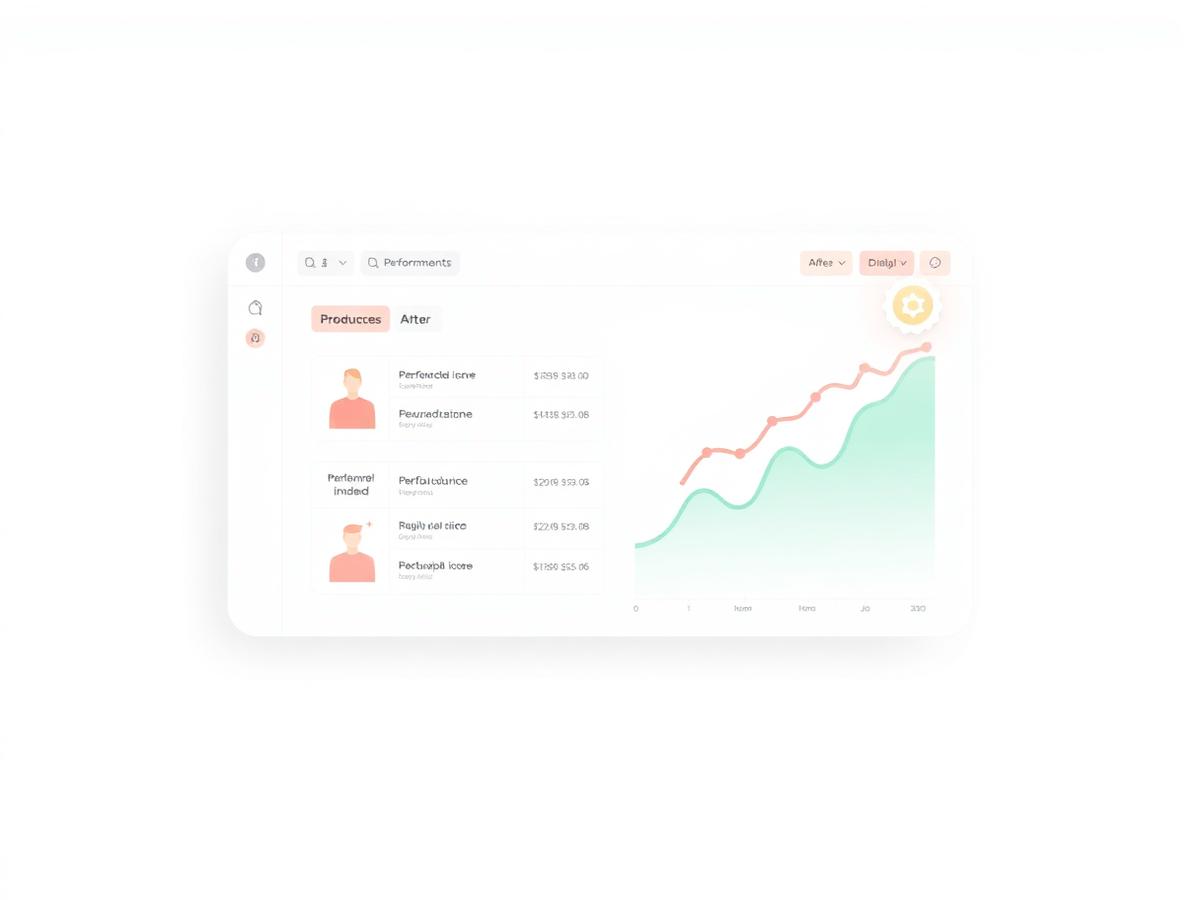
Product feed optimisation is the fastest way to improve Google Shopping and Meta Catalogue performance without raising bids. Fix titles, categories, custom labels and images once in the source, and the same improvements flow to every channel. AiFeedOptimiser gives UK merchants the AI optimiser and rules engine to do it at scale from £25/month incl. VAT.
The six highest-impact product feed optimisation levers
Most merchants only need to fix these fields to see a measurable lift in impressions and click-through rate.
Front-loaded titles
Lead with brand, product type and key attributes so Google matches the exact search. AiFeedOptimiser's AI rewrites titles per SKU and tracks the change.
Google product category
Map every product to the right node in Google's taxonomy. One wrong category can exclude an entire line from Shopping results.
Custom labels
Add custom_label_0 to 4 for margin, season, bestseller or clearance status. Use them to segment bids in Performance Max and Smart Shopping campaigns.
Clean images
Serve square, high-resolution images with no text overlays. The same image_link works for Google, Meta, Bing and TikTok.
Price and sale price
Keep prices inclusive of 20% UK VAT and show strikethrough discounts by sending both price and sale_price when a compare-at price exists.
Availability and freshness
Out-of-stock products should leave the feed fast. Instant sync webhooks stop ad spend going to sold-out SKUs before the next scheduled fetch.
What a fully optimised product feed looks like
One example listing, before and after applying product feed optimisation best practices.
| Field | Before | After |
|---|---|---|
| Title structure | Dell XPS 13 | Dell XPS 13 Laptop 13.4 Inch Intel Core i7 16GB RAM 512GB SSD |
| Category | Electronics | Computers > Laptops > Dell Laptops |
| Custom labels | None | margin: high, season: autumn, stock: fast |
| Image | 500x500 px with logo | 1200x1200 px clean product shot |
| Price | ex-VAT shown | £1,199.00 GBP incl. VAT |
Optimise product feeds at scale, not one product at a time
Editing individual products in Merchant Centre stops scaling after a few hundred SKUs.
AiFeedOptimiser applies rules across your whole catalogue: append size to apparel titles, set custom labels by margin, override categories for an entire brand, and rewrite descriptions with AI. This is how you turn Google Shopping feed optimisation from a manual chore into a repeatable growth lever.
- AI-powered title and description rewrites per SKU
- Rules engine that runs on every feed refresh
- Google taxonomy picker with full category search
- Instant snapshot invalidation when mappings change
- Feed health dashboard showing missing fields before submission
Typical results
- Impression share
- +15-30%
- Click-through rate
- +10-25%
- Cost per click
- -10-20%
- Disapproval rate
- -50%+
Results vary by catalogue and starting feed quality. These ranges reflect what AiFeedOptimiser merchants typically see after optimising the six levers above.
Product feed optimisation questions
What is product feed optimisation?
Product feed optimisation is the process of improving the data inside your product feed so ad platforms show your listings to more relevant shoppers. It covers titles, descriptions, Google product categories, images, custom labels, availability, price and sale price. The goal is to make every field in the feed as accurate, complete and searchable as possible.
Why does product feed optimisation matter for Google Shopping?
Google matches Shopping listings to search queries using the text and attributes in your feed. Better titles and categories mean more impressions, higher click-through rates and lower cost per click. A single weak field can hide thousands of products from the right searches.
Which product feed fields should I optimise first?
Start with title, google_product_category and brand. Then add custom_label_0 to 4 for bidding segmentation, fix image quality and ensure price and availability always match the landing page. Description and sale_price are the next quickest wins.
Can AiFeedOptimiser optimise product feeds automatically?
Yes. AiFeedOptimiser's AI optimiser rewrites titles and descriptions per SKU using Google's front-loaded keyword pattern. The rules engine fixes categories, appends attributes and sets custom labels in bulk. All changes reflect in the feed immediately after you save them.
How quickly do product feed optimisation changes reach Merchant Centre?
AiFeedOptimiser invalidates the snapshot as soon as you save a mapping or rule, and the public feed URL regenerates within minutes. With instant sync webhooks on Shopify, stock and price changes also invalidate the cache immediately.
Start optimising your product feed today
Connect your store, run the AI optimiser, and see the first improved feed in minutes. No credit card required.
No credit card required.