
Sale price and price how discounts show in Google Shopping
Sending a lower price is not the same as showing a discount. Google needs both attributes, in the right order, and a recent history of the higher one.
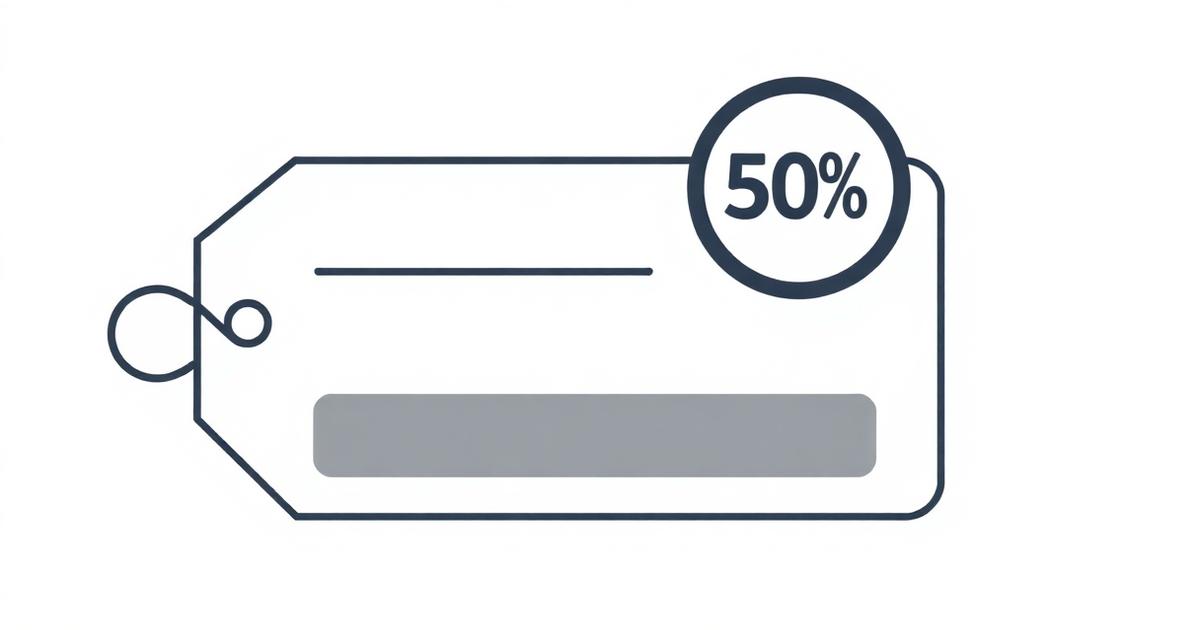
You dropped the price for a summer sale and expected a red strikethrough badge on your Shopping listing. Nothing changed. That is because Google only shows the discount when it sees a distinct price and sale_price, and when the original price has been the going rate for long enough to count as the base.
The two attributes
- price is the reference price, the one that gets crossed out
- sale_price is the discounted price actually being paid today
- sale_price must be lower than price, and both are inclusive of VAT in the UK
Send them like this
<g:price>29.99 GBP</g:price>
<g:sale_price>19.99 GBP</g:sale_price>
<g:sale_price_effective_date>2026-09-01T00:00Z/2026-09-30T23:59Z</g:sale_price_effective_date>
The base-price rule (the one that catches everyone)
Google will only show the strikethrough when the price you now call base has been the actual price for at least 30 days in the last 200. If you only ever showed 19.99 and now claim 29.99 as the base, Google ignores the discount and shows 19.99 flat. The intention is to stop fake anchoring.
Effective date window
sale_price_effective_date is optional but recommended for scheduled sales. Format is ISO 8601, start slash end, always in UTC. Outside the window Google uses price only. Inside it, price gets struck through and sale_price is the paid price.
Common mistakes
- Sending the same value in both price and sale_price, no discount is shown
- Sending ex-VAT in one and inc-VAT in the other, the mismatch triggers a price disapproval
- Local time in sale_price_effective_date, must be UTC with the Z suffix
- Rotating the sale price weekly so no value ever accumulates 30 days as the base, kills the strikethrough
In AiFeedOptimiser
The CSV importer and every platform adapter auto-map compare_at_price to price and price to sale_price when the two differ. Rules can also set sale_price_effective_date automatically from a Shopify tag like sale-summer.
More from the blog
Google Merchant Center errors and how to fix every one
The disapproval message in Merchant Center rarely tells you which attribute to change. This guide maps every common error to the fix that actually clears it.
Supplemental feed in GMC Next made simple
A supplemental feed is the fastest way to patch attributes on live products without editing your primary feed. Here is how it works in the new Merchant Center.
Google feed URL where to find it and test it works
Before you paste a feed URL into Merchant Center, run three quick tests. If any one fails, the scheduled fetch will fail too.
Ship a feed that passes on the first fetch
Start a 14-day trial of AiFeedOptimiser. No credit card required.
Start free trial